



Description
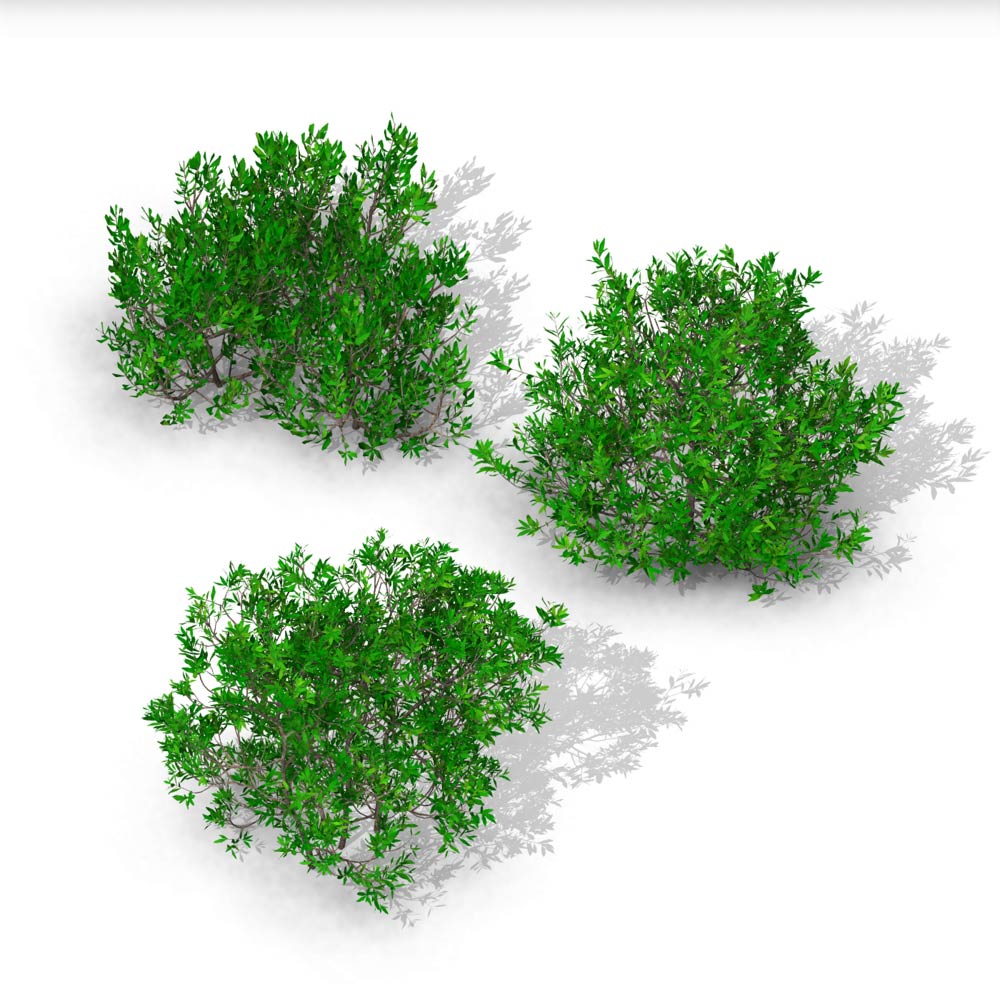
Download this Southern Wax Myrtle shrub family pack with 3 different shapes of Southern Wax Myrtle and elevate your Revit Presentations.
ZIP file download includes, texture instructions, textures and 3 .rfa families of different forms with detailed foliage. Each family has the following properties:
- individually scalable by dragging the control handle or entering the desired height in the Instance Properties;
- 2D customizable Plan Symbol in the Revit Coarse Detail Level;
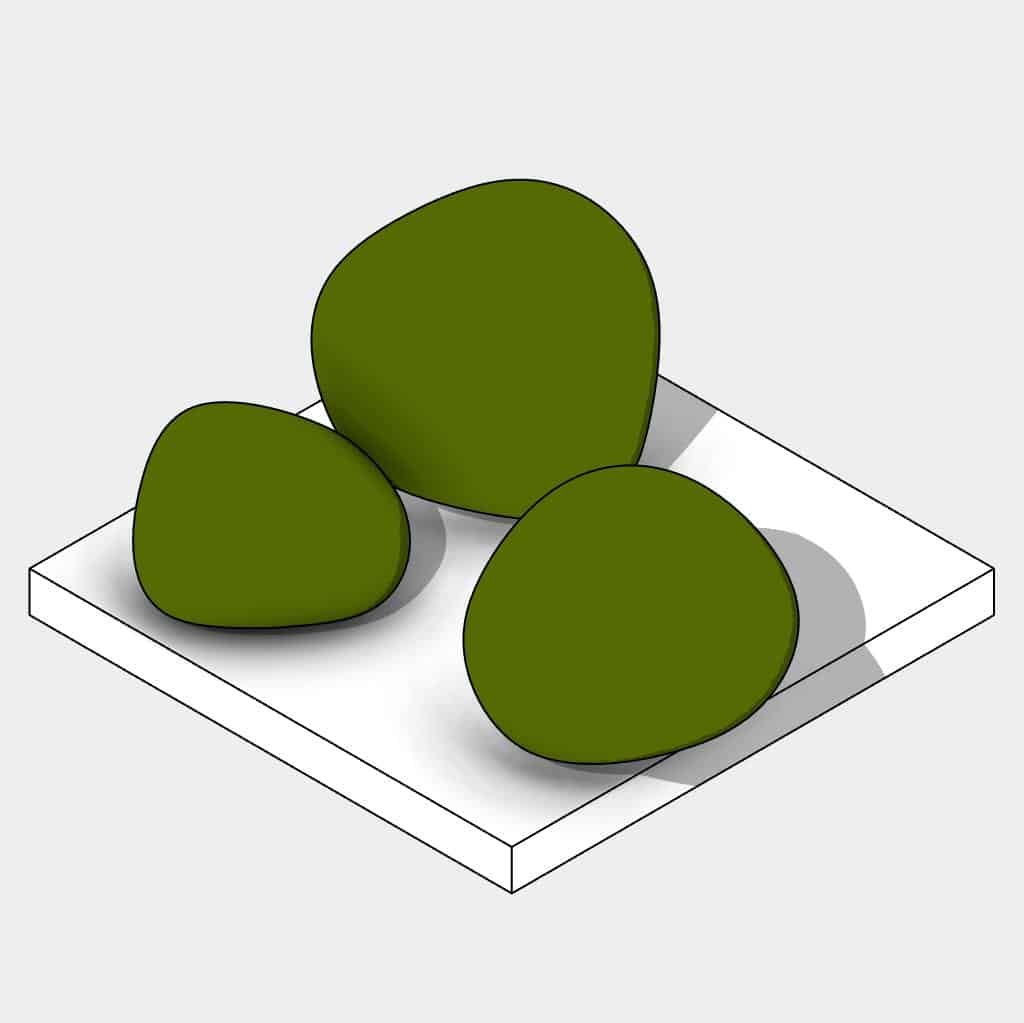
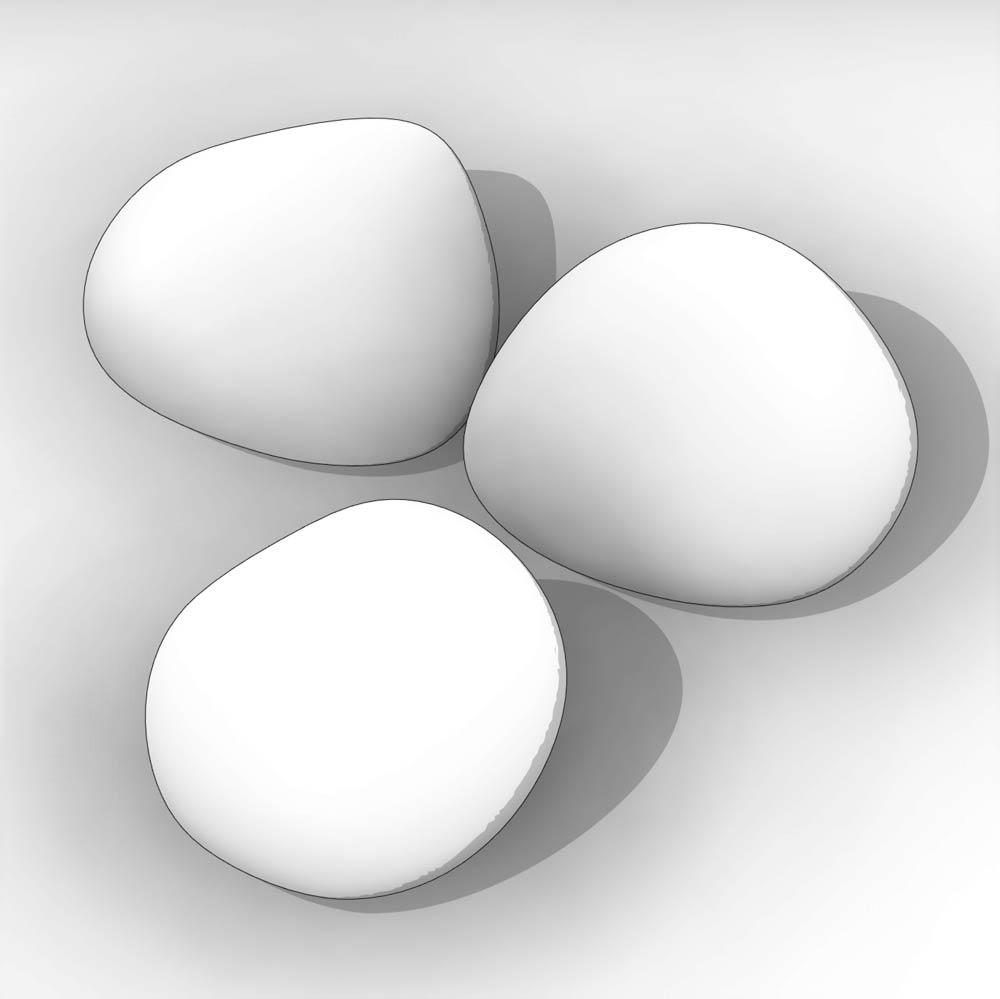
- 3D organic shape with instance materials for conceptual Designs – shows in all Coarse Detail Level views except the Plan view;
- instance visibility parameters to easily create different variations of duplicates ;
- automatic placement with arquitree populate; High Detail foliage;
- option to specify placeholder in Enscape.
The Southern Wax Myrtle (Morella cerifera, formerly Myrica cerifera)
Fast-growing, evergreen shrub or small tree native to the southeastern United States. It’s commonly used in landscaping for hedges, screens, and windbreaks due to its dense foliage and tolerance of a variety of soil types.
Key Characteristics:
Height: Typically 10–20 feet tall, but can reach up to 25 feet.
Leaves: Aromatic, narrow, and evergreen with a slightly serrated edge.
Growth Rate: Fast.
Berries: Small, waxy, bluish-gray fruits that are attractive to birds; historically used to make bayberry candles.
Soil: Tolerates poor, sandy, or wet soils; thrives in acidic conditions.
Light: Full sun to partial shade.
Hardiness Zones: USDA zones 7–10.
Benefits:
Wildlife: Provides food and shelter for birds and small mammals.
Erosion Control: Great for stabilizing soil in coastal areas or disturbed sites.
Low Maintenance: Drought-tolerant and pest-resistant once established.
These Revit shrub families are higher in file-size than our regular families. Thanks to our Clean Construction Methods we can guarantee they work smoothly on regular systems.
Learn more about Enscape compatibility
Check Autodesk Revit system requirements
Scalable Revit Planting Families
The Arquitree Vegetation 3D Models can be scaled by 2 methods: you can either drag the control handle of the asset in plans, elevations or sections, or you can simply enter your desired height in the instance properties. Being an instance parameter, this method allows you to create several copies with different heights!

Revit Leaves Visibility Controls
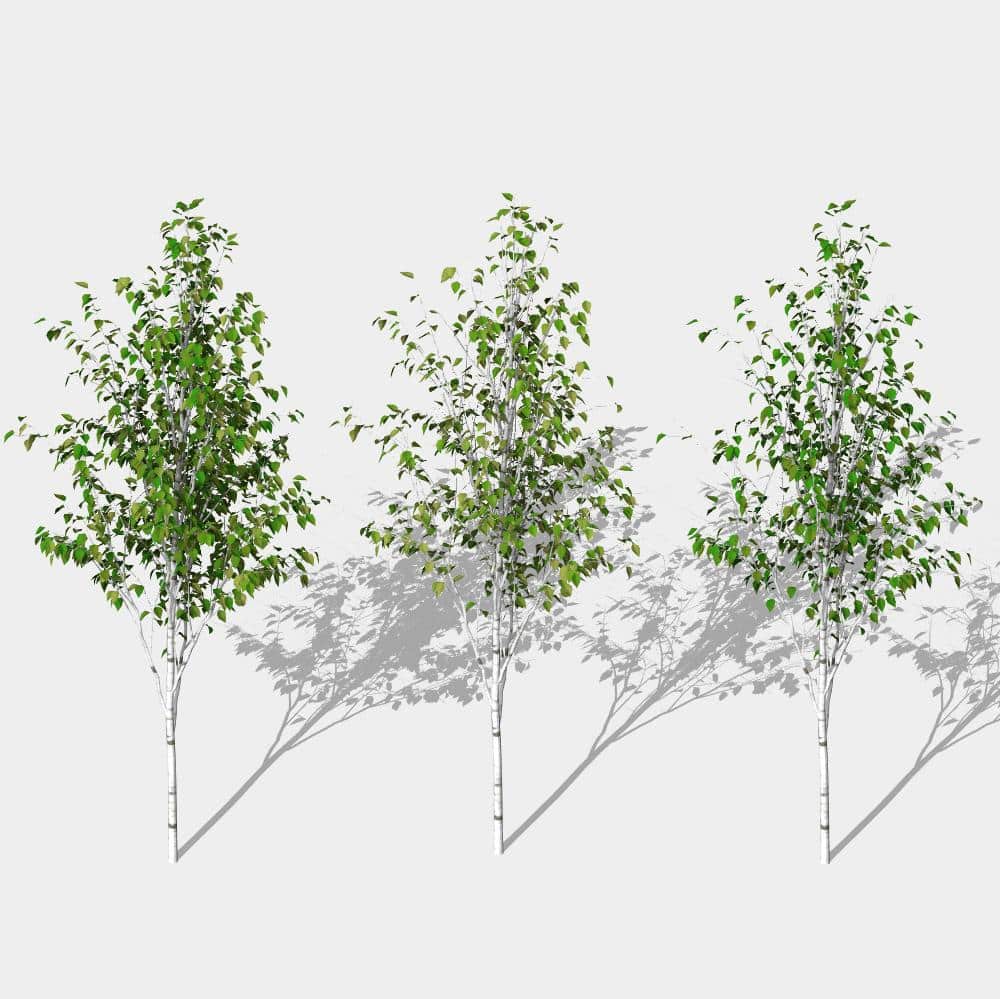
Activate or deactivate leaves with simple instance visibility parameters. One single Revit family, 3 variations in form. Create Diversity in your Architectural, Urban or Landscape Projects!
Revit Detail Levels
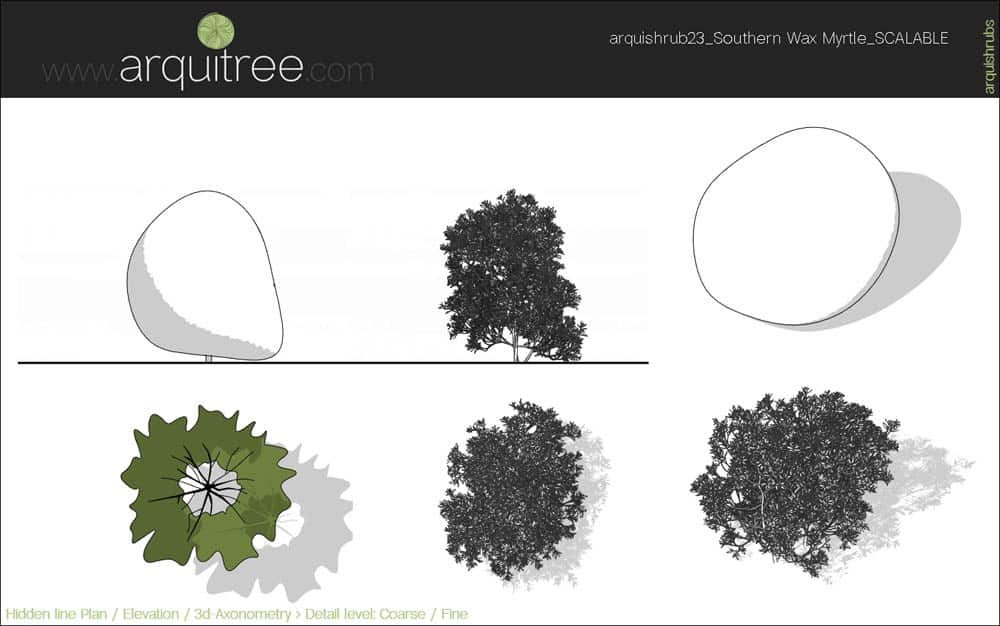
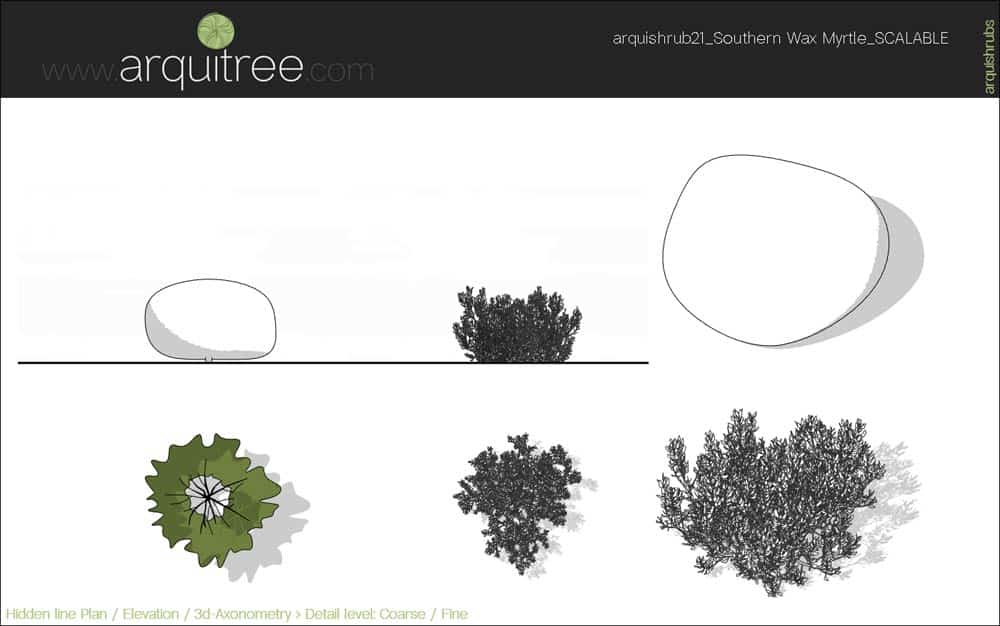
When switching through the Revit Detail Levels the following shapes are displayed:
- Coarse Detail Level: an organic shape as the crown, with Instance Parameters that allow you to create duplicates with different Materials. Apply Planting Category Overrides to color just the crowns of all the Vegetation Models.
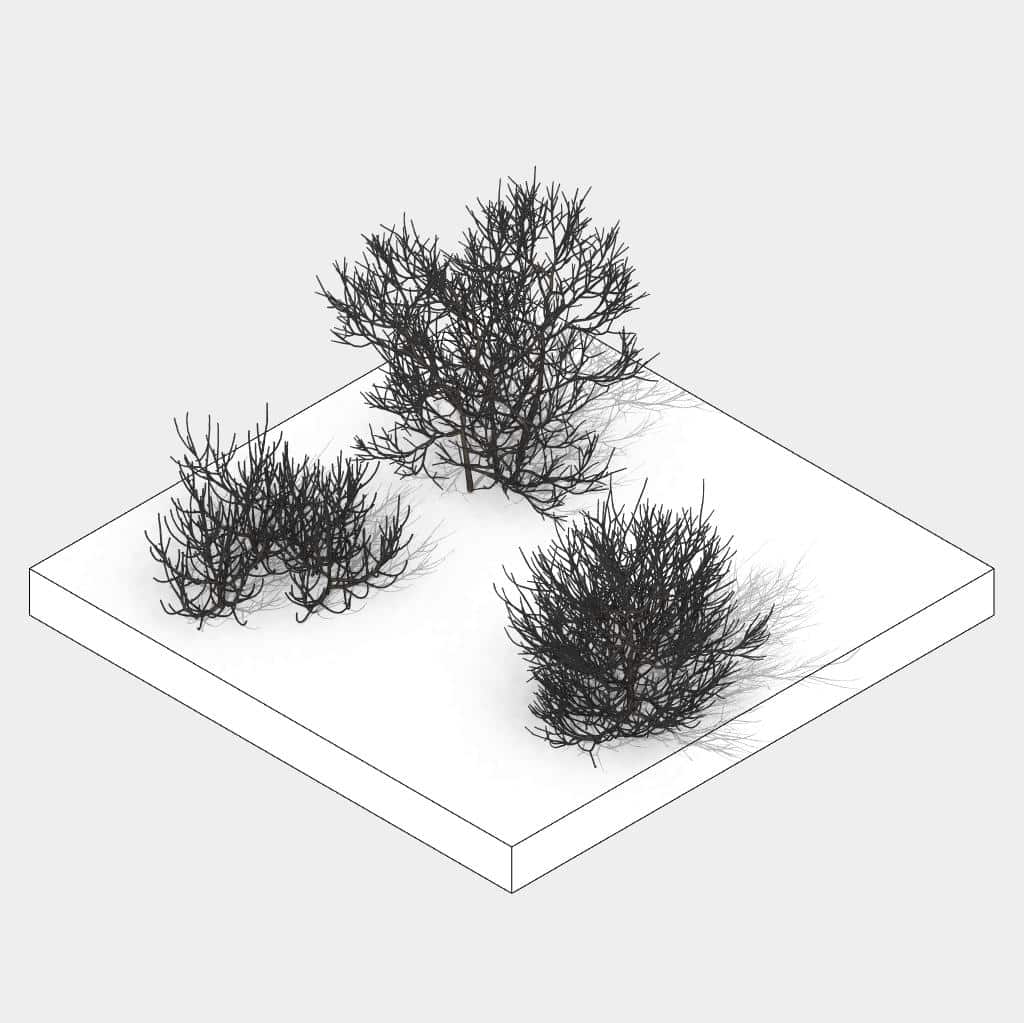
- Medium Detail Level: displays just the trunks of the Planting Families.
- Fine Detail Level: get Realistic, full-detailed 3D Models of your trees, plants, shrubs or hedges.


Scalable Revit Families
The Arquitree Vegetation 3D Models can be scaled by 2 methods: you can either drag the control handle of the asset in plans, elevations or sections, or you can also simply enter your desired height in the instance properties. Being an instance parameter, it allows you to create several copies with different heights, unlike other Revit families that scale all the copies of the family in the project!

Automatic Placement
Using the Arquitree Populate Dynamo Scripts allows you to place various Revit categories like: plants, trees, hedges, shrubs, cars, humans, figures or people automatically! Arquitree Populate is a Free Dynamo Package and can be downloaded directly from Revit.

Revit Detail Levels
2 or 3 Revit Shapes that display accordingly to your needs. The Coarse Detail Level Graphics allow you to work on big Projects with normal System Requirements. Overall changes from Conceptual to Realistic Presentations with one click!

Visibility parameters
Our Team at Arquitree knows how important diverse Presentations are for your BIM projects. That is why our Revit families have visibility parameters that allow you to customize your assets to achieve variations of the same family.

Revit 2D Planting Symbol
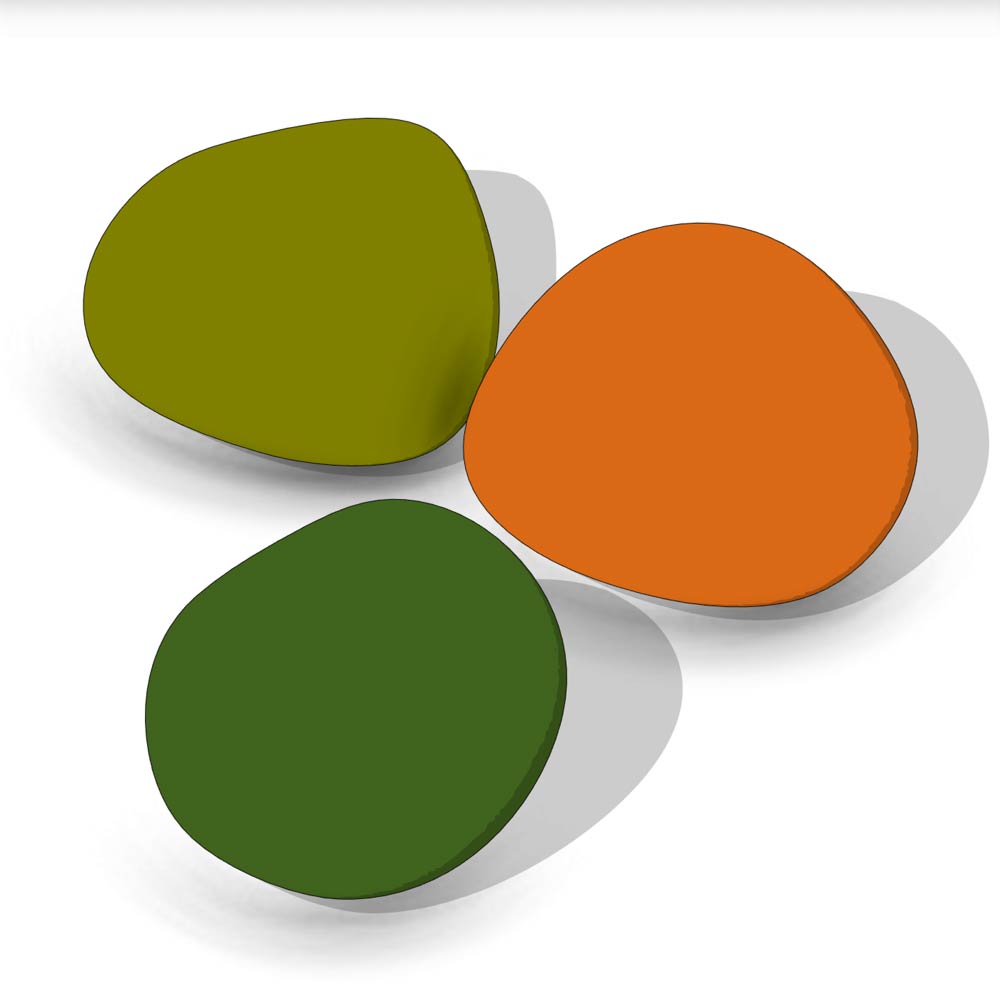
These Planting Families, when in the Revit Coarse Detail Level show a clean, stylized 2D symbol that scales with the 3D Model . The colors and lines are customizable and accept overrides. These plan symbols can be changed regardless of the 3D model displayed in other views. Bring color to your Architecture and Landscape Projects!

Conceptual Organic Shape
In the Revit Coarse Detail Level these Planting Families show a Conceptual Form as the Crown. It accepts Category Overrides while the Trunk doesn’t. This allows you to apply color to all Planting Crowns while keeping the Trunks in the original colors, with just a few clicks. You can also apply Overrides on specifically individual Blocks or simply create duplicates with different colors by changing the Instance Material Parameter. Keep your Conceptual and Detailed Projects synchronized!
📄Product Name: arquishrubpack06
📐 File Type: Revit Scalable Family
✏️ Best for: Architecture, Urban and Landscape Design
⚖️ Small to Large Projects
📥 Digital download: Instant (ZIP file)
💾 Revit version: 2017 & above
📂 Category: Revit Planting Category
📦 ZIP Download File-size: 31.1 MB


Reviews
There are no reviews yet.